NoxProxy Connect
for Android
A simple Android proxy/VPN client. Add your SOCKS5 or HTTP proxy, test it, and route your phone traffic through it securely.
Up and running in 5 steps
No account, no setup wizard — just install, add your proxy, and connect.
Download the APK
Tap “Download APK” to get the signed release shown on this page.
Allow install
When asked, allow installing from this source, then go back.
Add your proxy
Open Add, enter host, port, protocol and optional login.
Test the proxy
Tap Test to confirm it’s reachable and see the exit IP.
Connect
Tap connect and approve the one-time Android VPN permission.
Everything you need, nothing you don’t
A focused proxy client built for privacy and control.
Manual proxy profiles
Save unlimited proxies and switch between them in a tap.
SOCKS5 & HTTP
Connect to SOCKS5 or HTTP proxies, with optional authentication.
System-wide VPN
Routes all device traffic through your proxy via Android VpnService.
Per-app routing
Route all apps, only selected apps, or everything except some.
Built-in proxy tester
Check reachability, auth and exit IP without routing real traffic.
Encrypted local storage
Saved profiles use Android encrypted preferences. Credentials are sent to your chosen proxy to connect.
Proxy DNS & presets
DNS resolves through the proxy tunnel by default, with Cloudflare, Google, Quad9, AdGuard or custom presets.
Local-only diagnostics
Diagnostics stay on your phone. Review their contents before sharing.
No account, no tracking
No sign-up, no analytics, no backend — you’re fully in control.
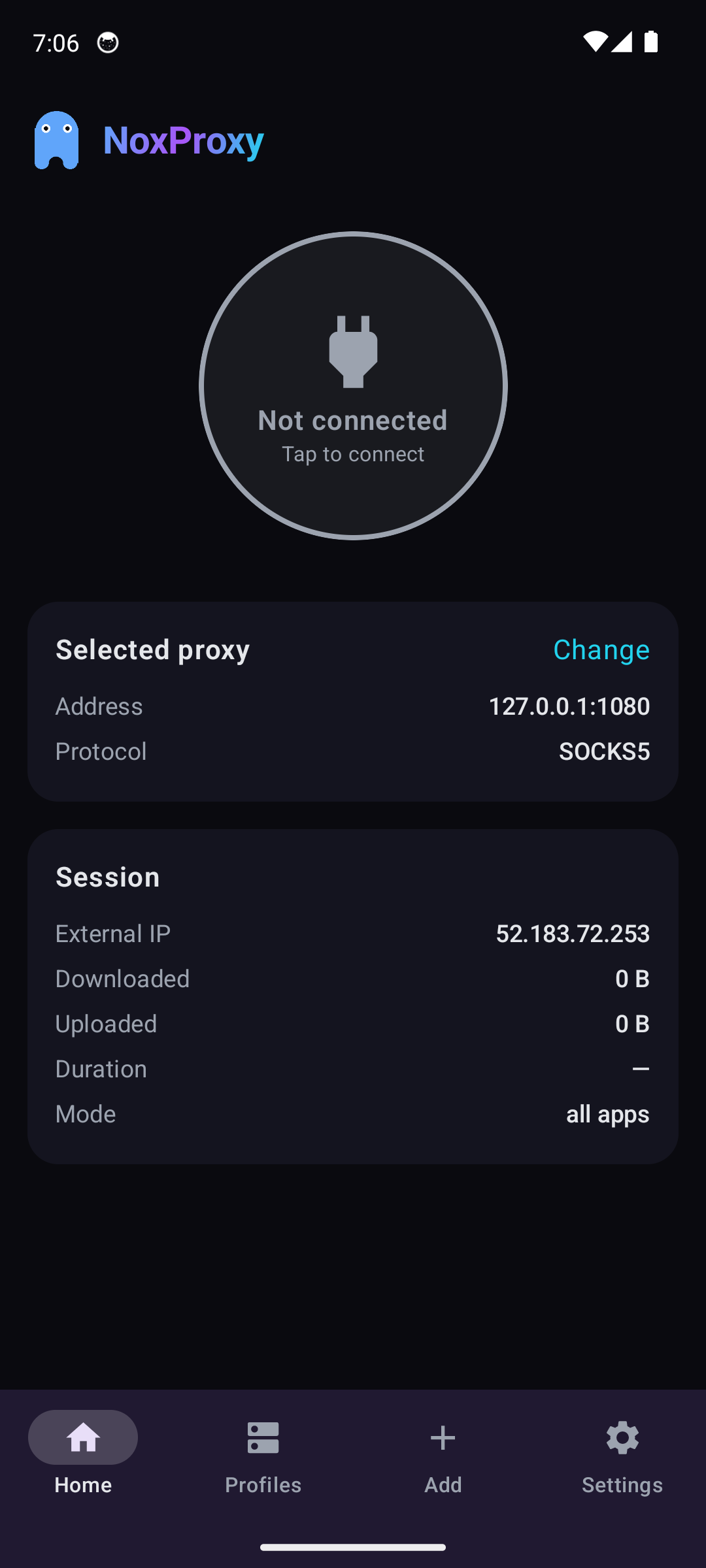
A clean, focused interface
Dark by design, fast, and easy for anyone to use.
 NoxProxy
Add proxy
NoxProxyProfiles
NoxProxySettings
Built to keep your data yours
No account, no backend, no tracking. Everything happens on your device.
The app never talks to a NoxProxy account or server.
Proxy credentials are stored with Android AES-256 encryption.
No tracking, no ads, and no traffic logs are collected.
Android always asks your permission before any traffic is routed.
Every release is signed so you can verify it is authentic.
The only request it makes itself is an IP lookup to show your IP.
NoxProxy Connect v1.0.14
Signed version 1.0.14 for Android 7.0 and newer. Newer release information appears above when available.
299ec10cbd50b825f554e0c0829261f0767a9dcc2c5d49a85f65cdee42ddbb61
- The kill switch now engages with zero direct-traffic window — the block-only interface is established before the old tunnel is retired, including during failed reconnects and profile switches.
- A failed reconnect while protection is blocked stays blocked; the engine shutdown no longer runs on the UI thread, so the app stays responsive when the tunnel engine dies wedged.
- The protection-interrupted notification is now high priority and profile storage no longer touches the UI thread.
- Same signing certificate and saved profiles — install over 1.0.13.

Scan to open the download page
on your phone
Frequently asked questions
Does this app include free proxies?
Where do I get proxy details?
Should I choose SOCKS5 or HTTP?
Why does Android show a VPN permission?
Why is my IP not changing?
Is my password stored safely?
Is it on the Play Store?
How do I update the app?
طريقة الاستخدام
دليل سريع لتشغيل التطبيق في خطوات بسيطة.
- ١. حمّل التطبيق من زر التحميل في الأعلى.
- ٢. افتح التطبيق واضغط على Add.
- ٣. اكتب بيانات البروكسي (العنوان، البورت، النوع، واسم المستخدم وكلمة السر لو موجودين).
- ٤. اضغط Test للتأكد إن البروكسي شغّال.
- ٥. اضغط Connect ووافق على صلاحية الـ VPN اللي بيطلبها أندرويد.